Raw SQL Queries for Unmapped Types in Entity Framework 8
Entity Framework 8 has a new feature that allows you to execute raw SQL queries against the database and return results as unmapped types. To use this...
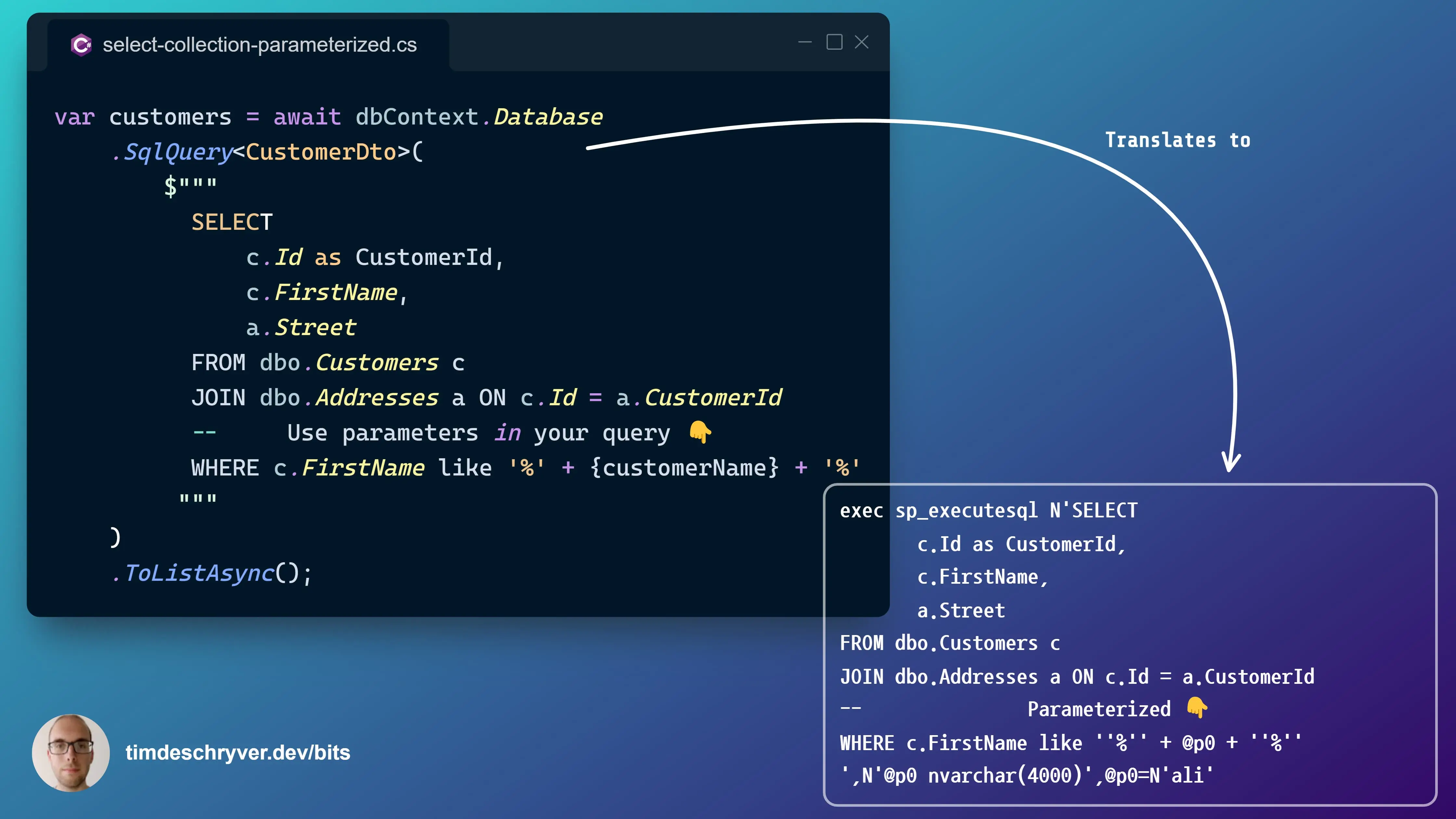
Entity Framework 8 has a new feature that allows you to execute raw SQL queries against the database and return results as unmapped types.
To use this feature, use the new SqlQuery method on the Database property of your DbContext instance.
This feature is useful when you want your query to return a specific type for a specific purpose. For example, in many cases you don't need/want the overhead of returning your full-blown entity for search queries. Instead, you want a optimized entity (e.g. a DTO) that only contains the data you need for that specific purpose. Usually this results in a faster query and less data transferred over the wire.
See my blog post You can now return unmapped types from raw SQL select statements with Entity Framework 8 for more info about this new feature.
Select Query to retrieve a collection
Select Query to retrieve a collection
Select Query with a parameter within the where clause
Select Query with a parameter within the where clause
Select Query using LINQ to retrieve a single entity
Select Query using LINQ to retrieve a single entity
Feel free to update this developer bit on GitHub, thanks in advance!