NuGet Central Package Management
When you've worked in a mono-repository that contains multiple C# projects, you've probably felt the pain of maintaining NuGet dependencies. Updating...
When you've worked in a mono-repository that contains multiple C# projects, you've probably felt the pain of maintaining NuGet dependencies. Updating packages to a newer version, keeping versions in sync across different projects, removing outdated dependencies, ...
With Central Package Management (CPM) this daunting task becomes easier to manage.
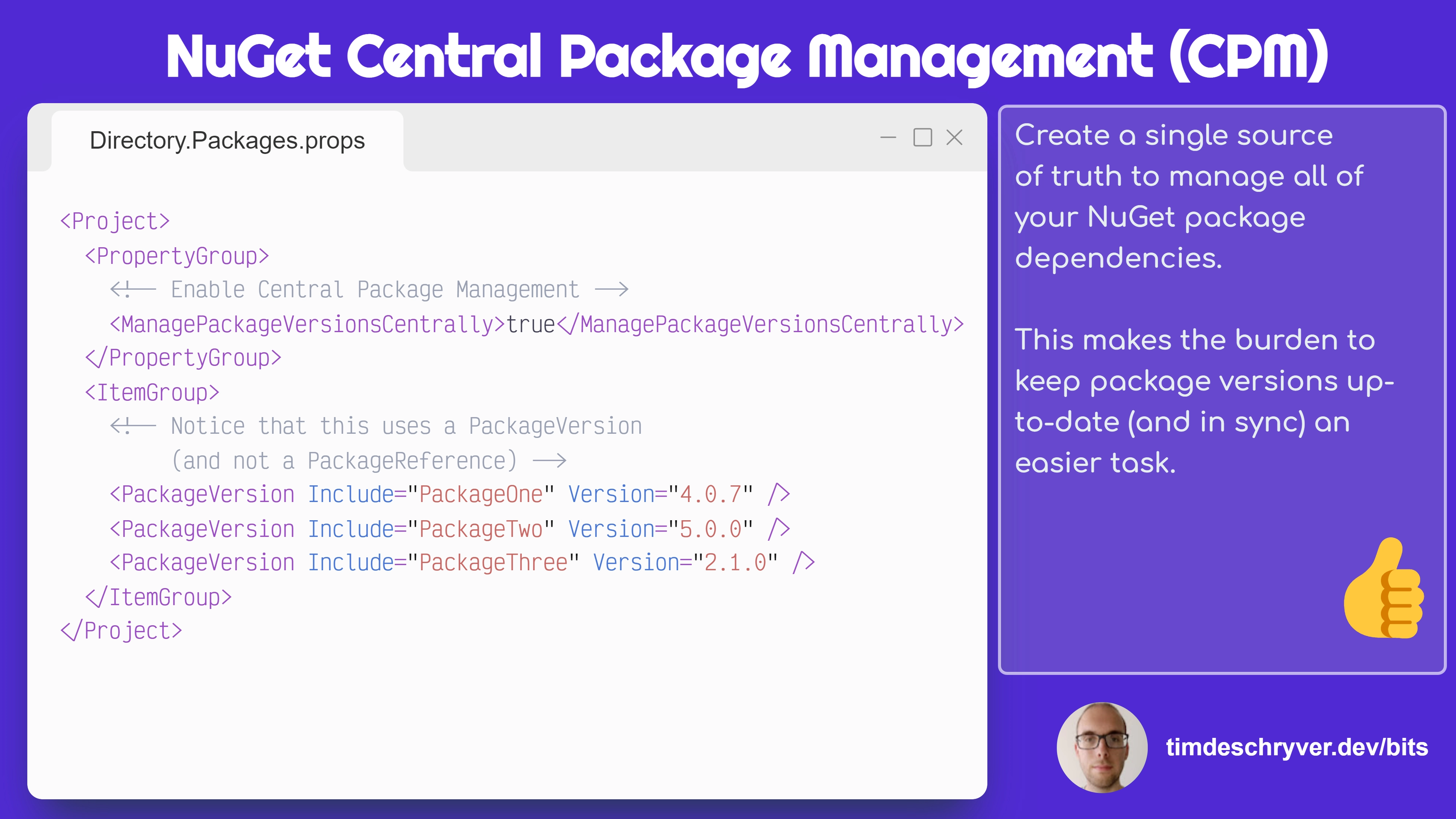
By creating a file Directory.Packages.props within the root of the project, all NuGet package references can be defined with their corresponding version.
Next, the version of the package references that are defined within the project (.csproj) files can be removed.
Directory.Packages.props
ProjectOne.csproj
The result is a file that contains the single source of truth when it comes to your package versions.
You can still override versions for one-off cases, or subdivide this file into multiple files. For more info about CPM, see the documentation.
Feel free to update this developer bit on GitHub, thanks in advance!