Entity Framework Include Filters
The location where you filter (included) entities is important, as it has a significant impact on the result set. Without knowing the details, it's easy to...
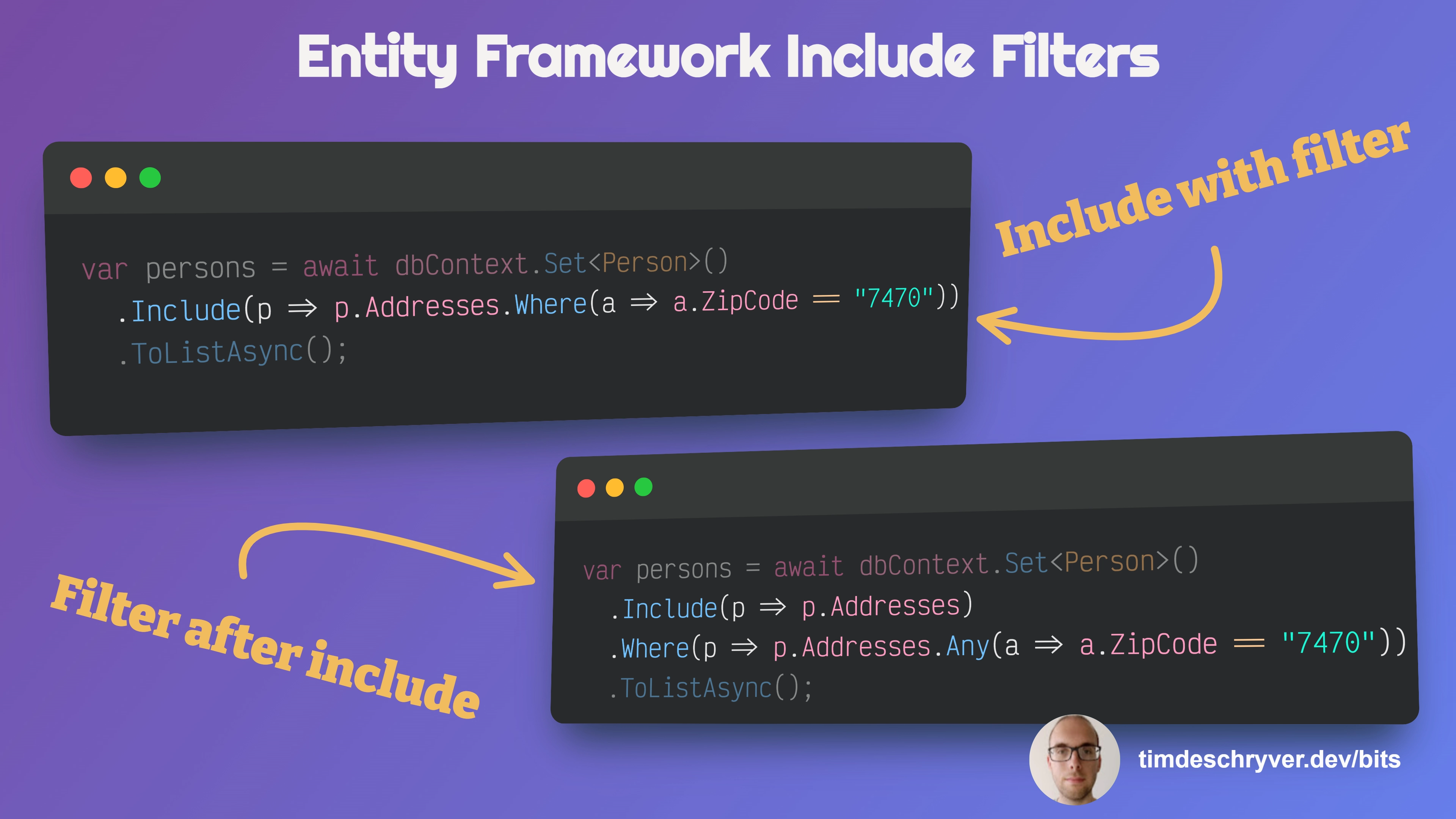
The location where you filter (included) entities is important, as it has a significant impact on the result set. Without knowing the details, it's easy to make assumptions and make a subtle mistake while filtering entities.
I know I made the mistake numerous times, even not so long ago, and I'm sure I'm not the only one. That's why I decided to write this Bit, to raise awareness about the small but important details.
The following examples illustrate the difference between including filtered entities (using Where), and filtering
entities after the include (using Any in this example) statement.
Input data
The first example retrieves all persons and only includes the addresses matching the ZipCode predicate.
Does not filter the "root" entity.
The second example only retrieves persons that contain the specified ZipCode condition, with all their addresses.
Filters the "root" entity, not the children.
Feel free to update this developer bit on GitHub, thanks in advance!